Pick up the mood.
Start with something you love.
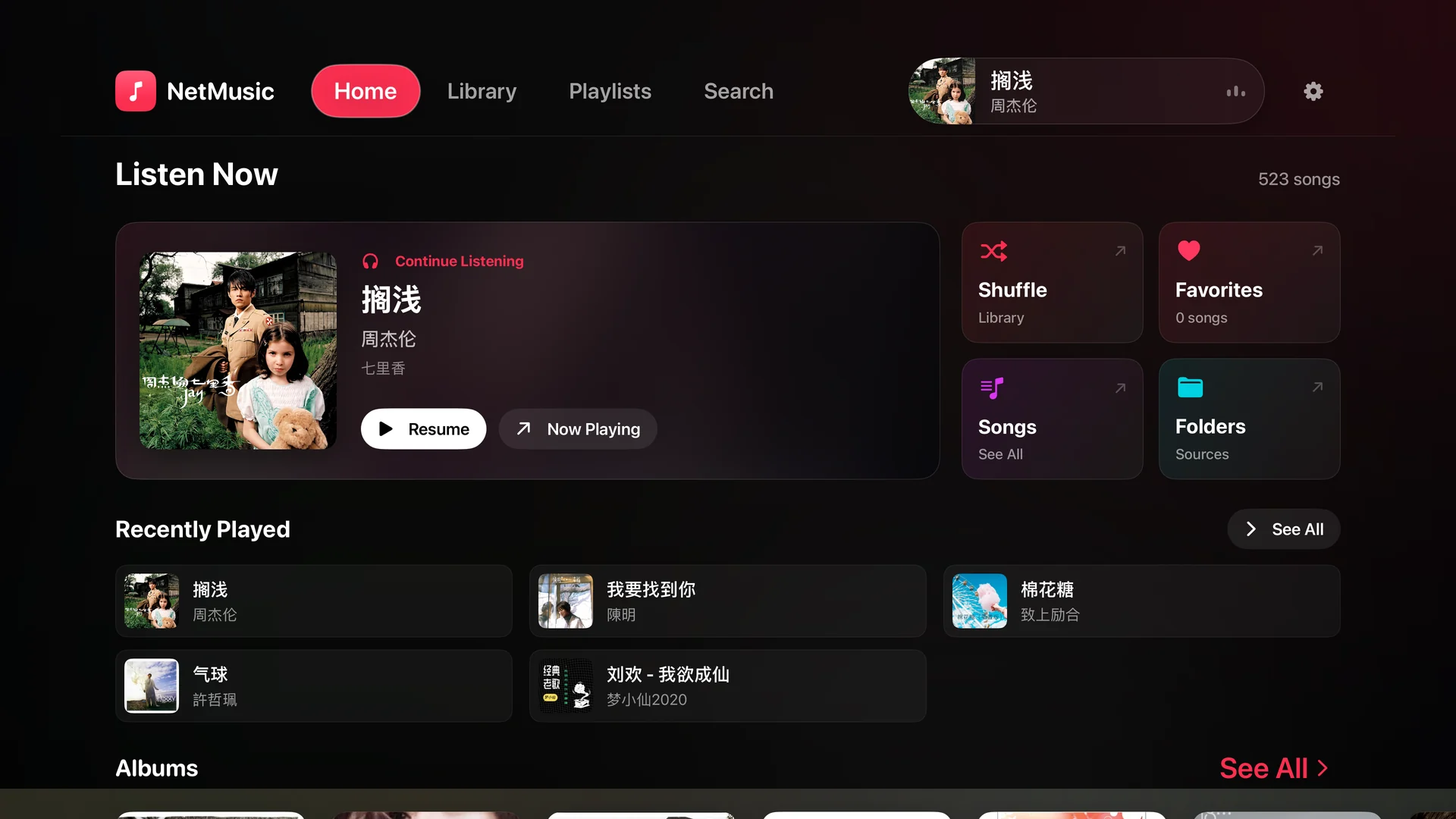
Continue listening from the home screen, revisit recently played tracks, or shuffle your collection. Favorites and folders are just a few clicks away.
 NetMusic
NetMusic for Apple TV
Settle in and let your collection fill the screen. Bring music from your server or connected cloud drive to a player made for Apple TV.
On Apple TV, open the App Store and search for NetMusic.
Browse, choose, play
Servers & connected cloud drives
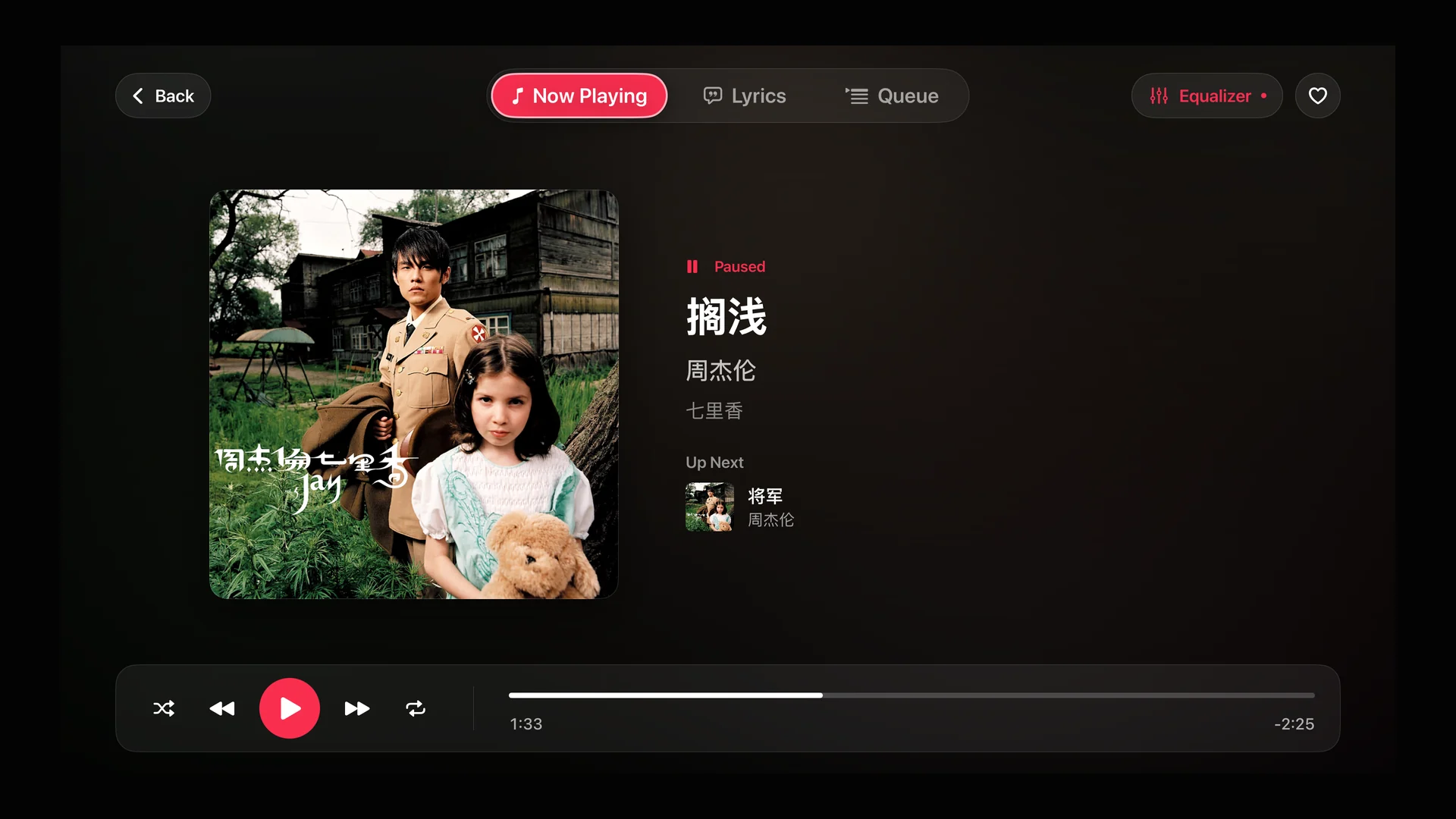
See the words. Tune the sound.
Pick up the mood.
Continue listening from the home screen, revisit recently played tracks, or shuffle your collection. Favorites and folders are just a few clicks away.
A collection worth exploring.
Browse album artwork, find an artist, or open a music folder. A spacious library puts your own collection at the center of the room.
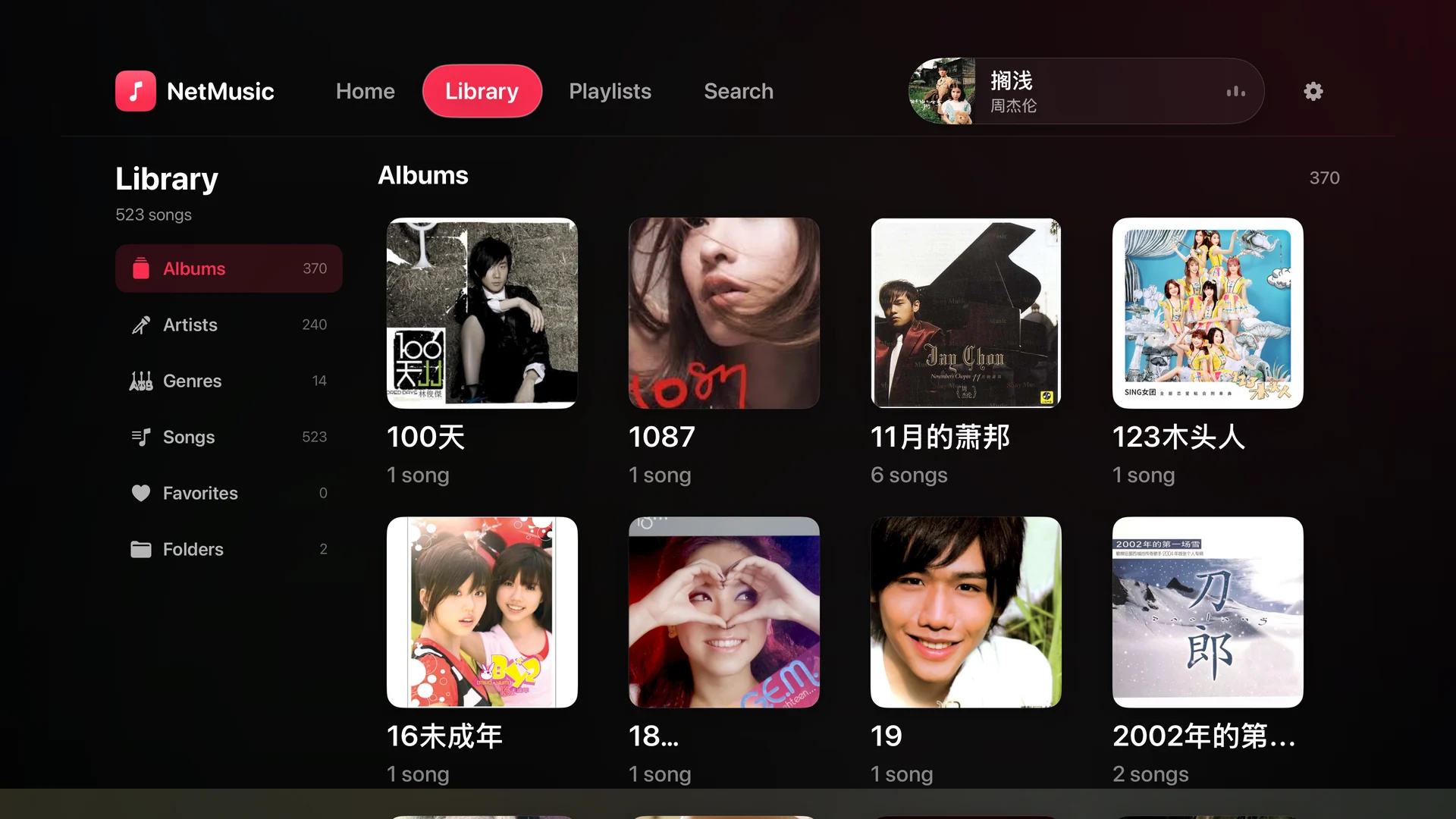
Move through your library, choose a track and control playback from the sofa.
Switch to a dedicated lyrics view when lyrics are available for your music.
Adjust the 10-band equalizer to suit your music and listening setup.
Bring your music
Apple TV connects directly to Navidrome / Subsonic, WebDAV, SMB and FTP sources.
Cloud drive setup starts on your iPhone or iPad.
You provide the music. Your sources must remain reachable, with a valid account where required.
NetMusic is a player for your own collection. It does not provide a music catalog; connect a source containing music you can access.
You can add supported music servers directly on Apple TV. Cloud drives are authorized first on iPhone or iPad, then synced with Pro iCloud sync using the same Apple ID. Credential recovery depends on the service.
Keep Apple TV connected to your network and your music source accessible. Playback availability depends on the source, connection and account permissions.
Find NetMusic on Apple TV and bring your own music to the big screen.