 NetMusic
NetMusic Help
Your music, connected.
Follow clear, practical guides to bring your own music from a home server, cloud drive or NAS to iPhone—and keep the tracks you love available offline.
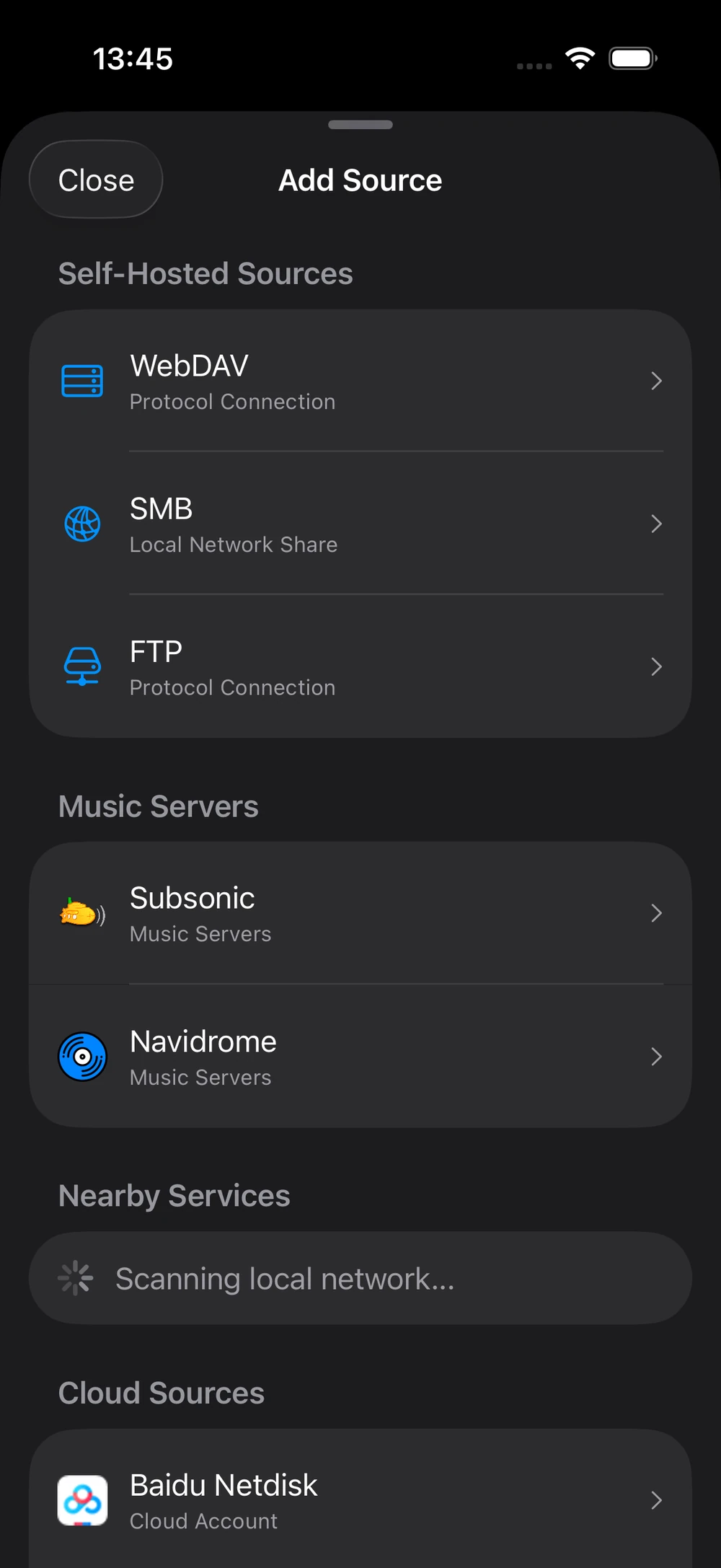
Step-by-step guides
Start with where your music lives.
Each guide uses the current NetMusic labels and walks from connection to playback.
How to connect Navidrome to iPhone
Add your self-hosted Navidrome library, enter the right server address and load your artists, albums and songs.
Open guide- Local network and remote access
- Default port and URL examples
- Connection troubleshooting
Play music from WebDAV on iPhone
Connect a WebDAV server, choose your music folders and stream from your own storage.
Open guide 03Listen to NAS music offline on iPhone
Save individual tracks or whole playlists so your NAS collection keeps playing away from home.
Open guide 04Google Drive music player for iOS
Authorize read-only Drive access, select music folders and listen without moving your files.
Open guide 05FLAC and DSD player for iPhone
Understand supported lossless formats, Pro requirements and what to expect from DSD playback.
Open guideStill stuck?
Tell us which source you are connecting and what appears on screen.