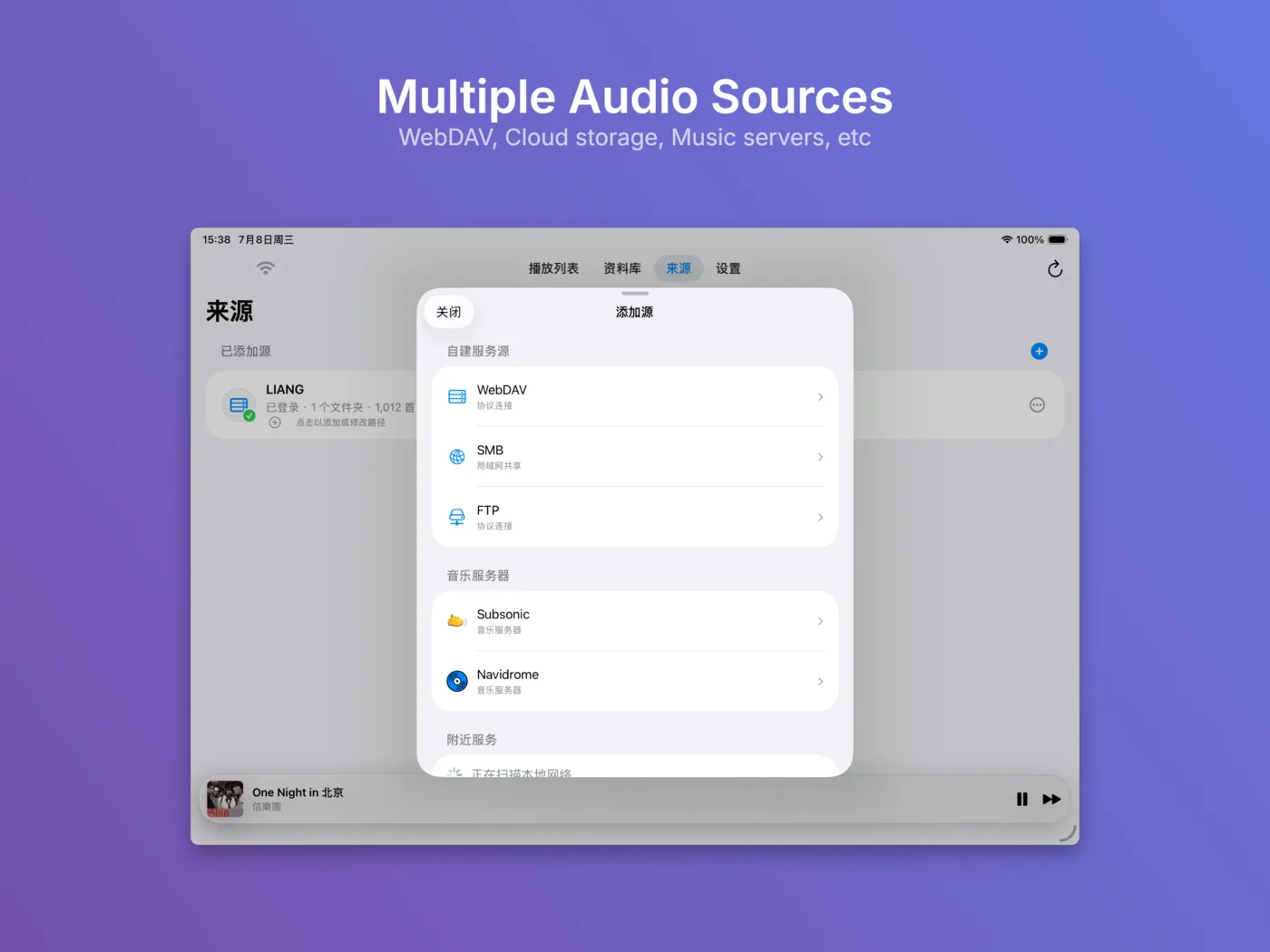
Multiple sources
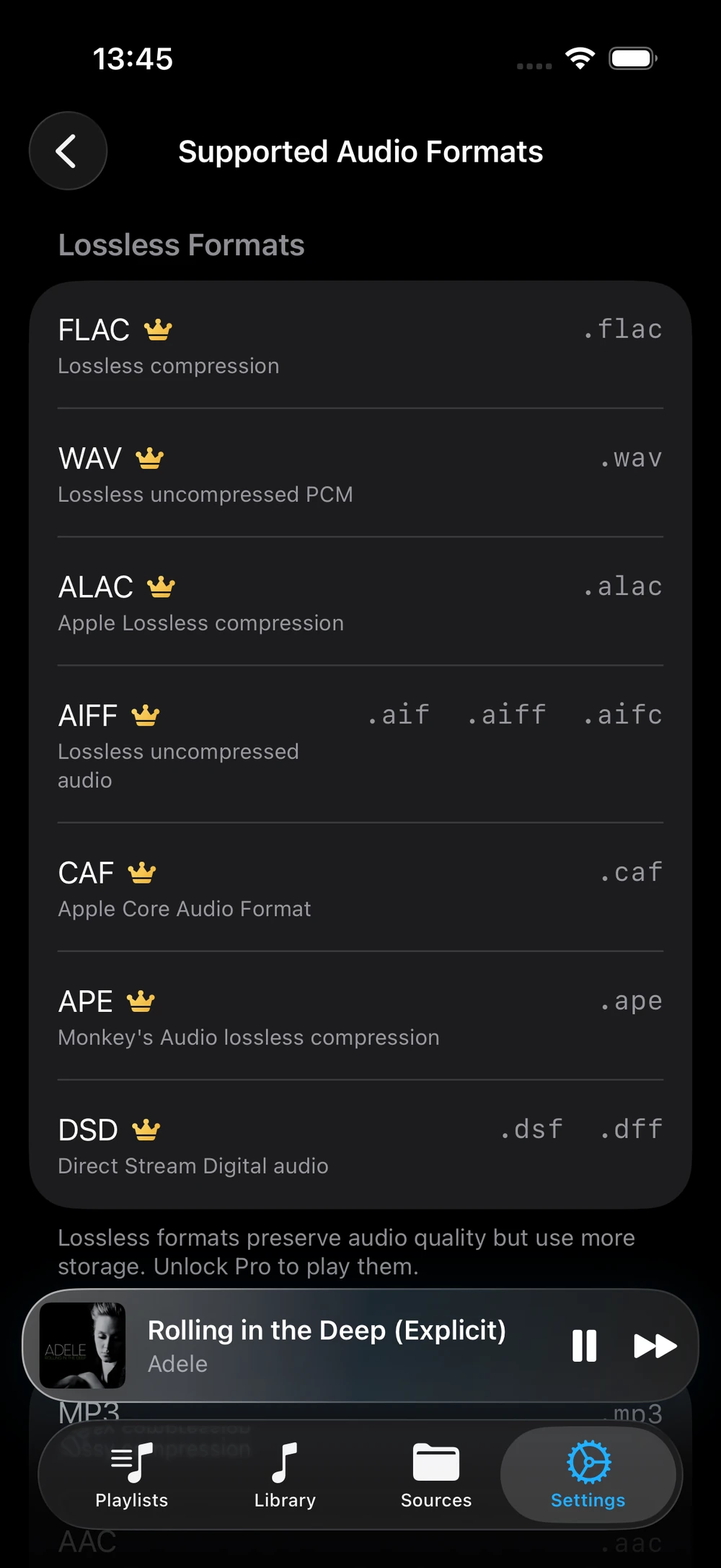
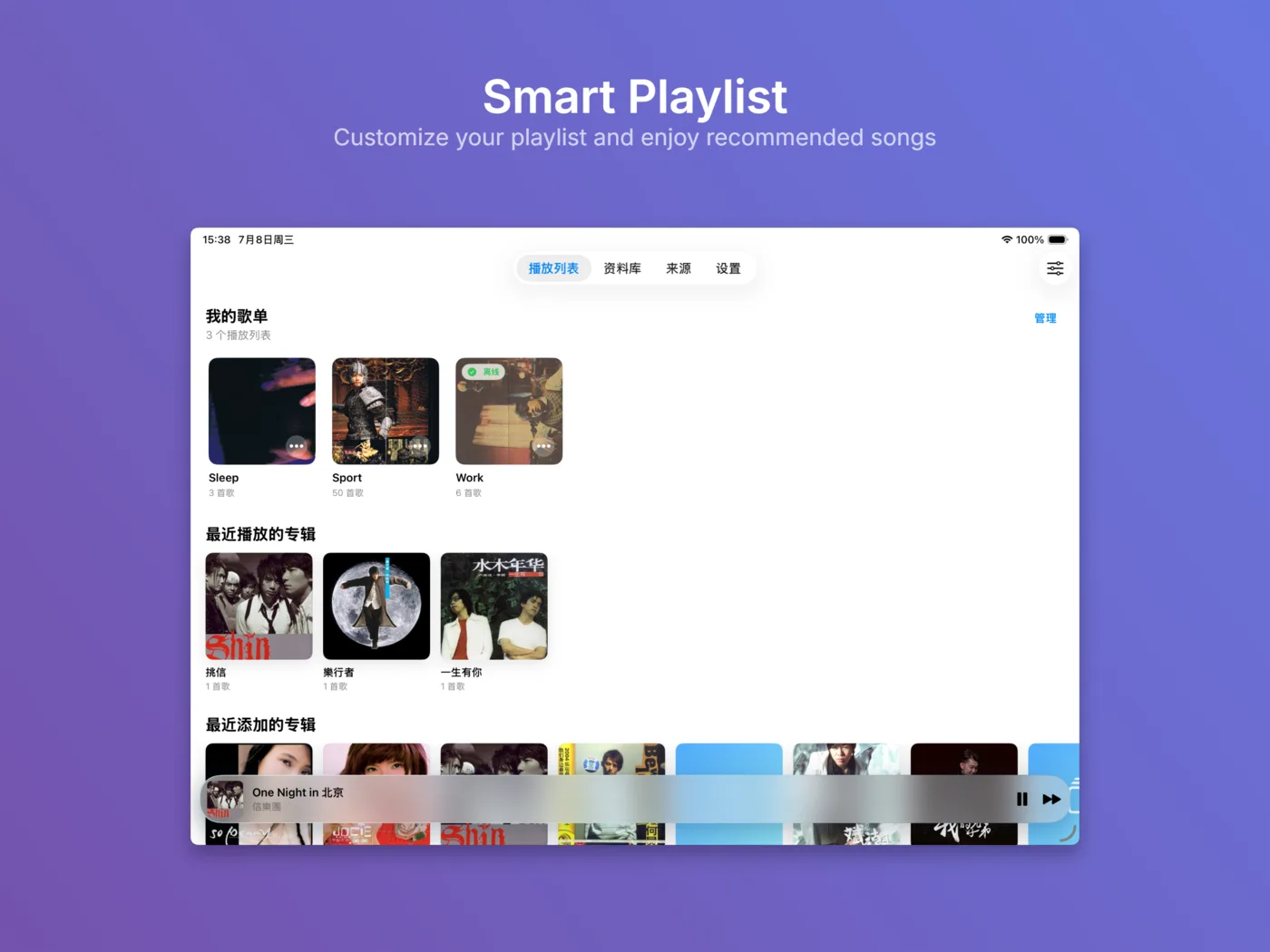
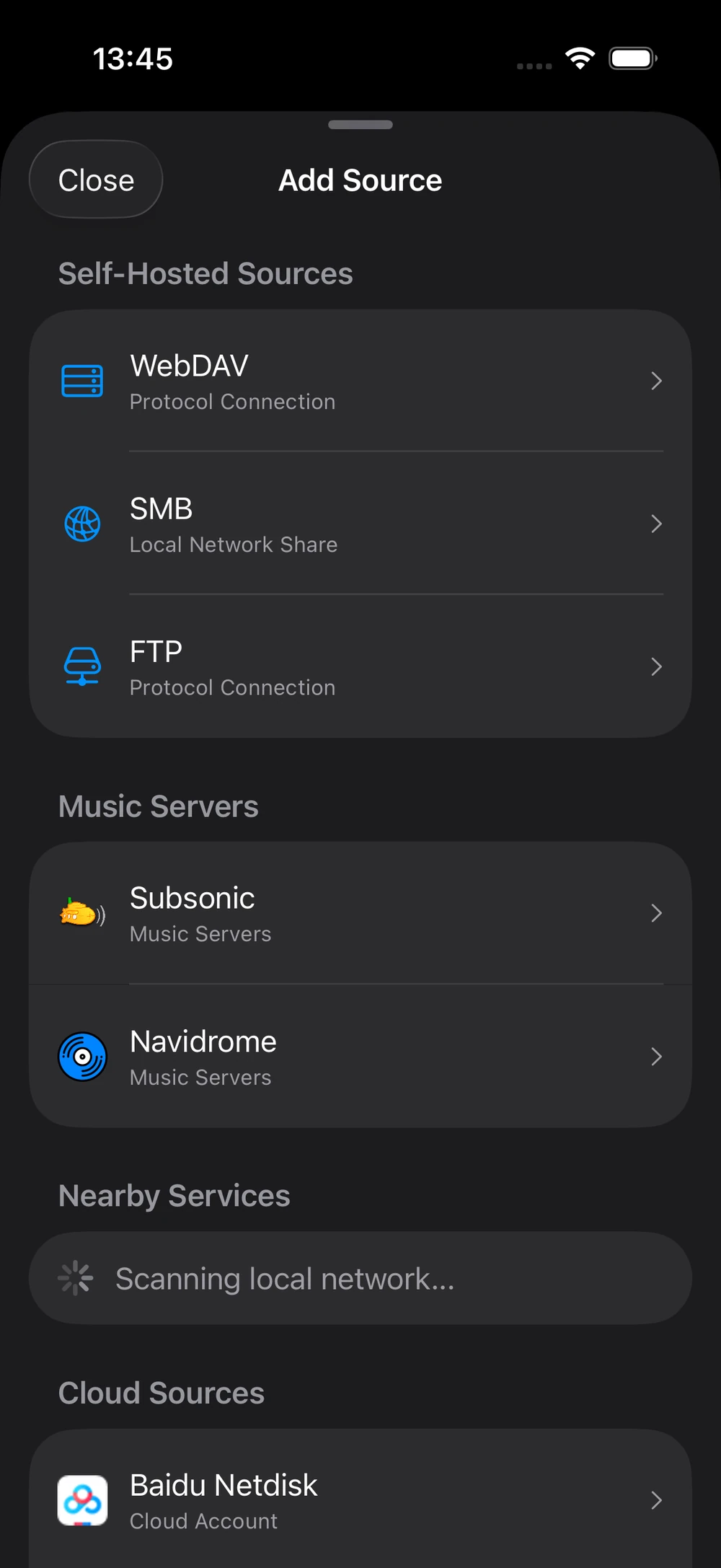
Add audio from Google Drive, OneDrive, Baidu Netdisk, WebDAV, SMB, FTP or a local Wi-Fi Transfer folder.
Local-first iOS music player
NetMusic connects to storage locations you choose, builds a private library on your device, and plays your own audio files online or offline without operating a developer cloud service.
What it does
Add audio from Google Drive, OneDrive, Baidu Netdisk, WebDAV, SMB, FTP or a local Wi-Fi Transfer folder.
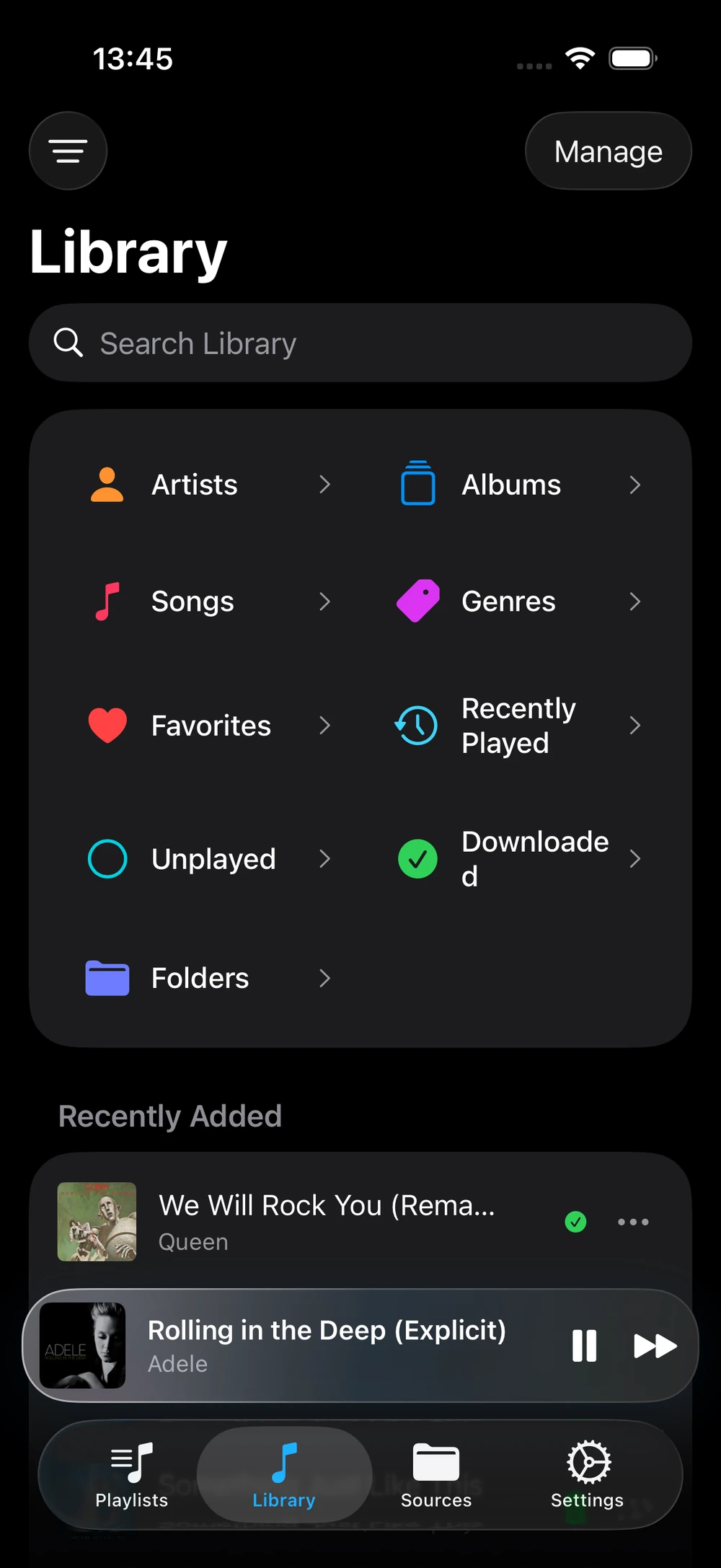
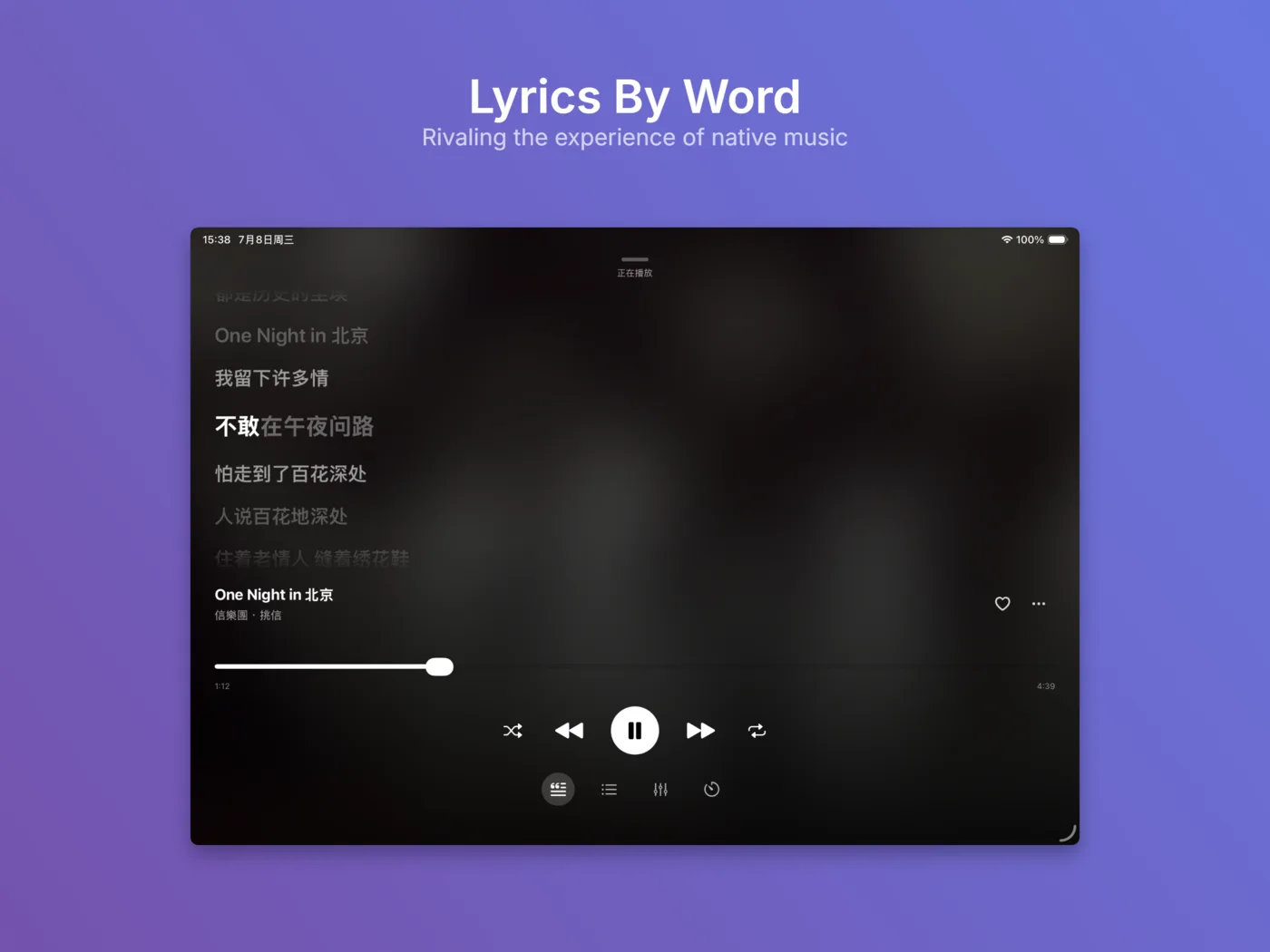
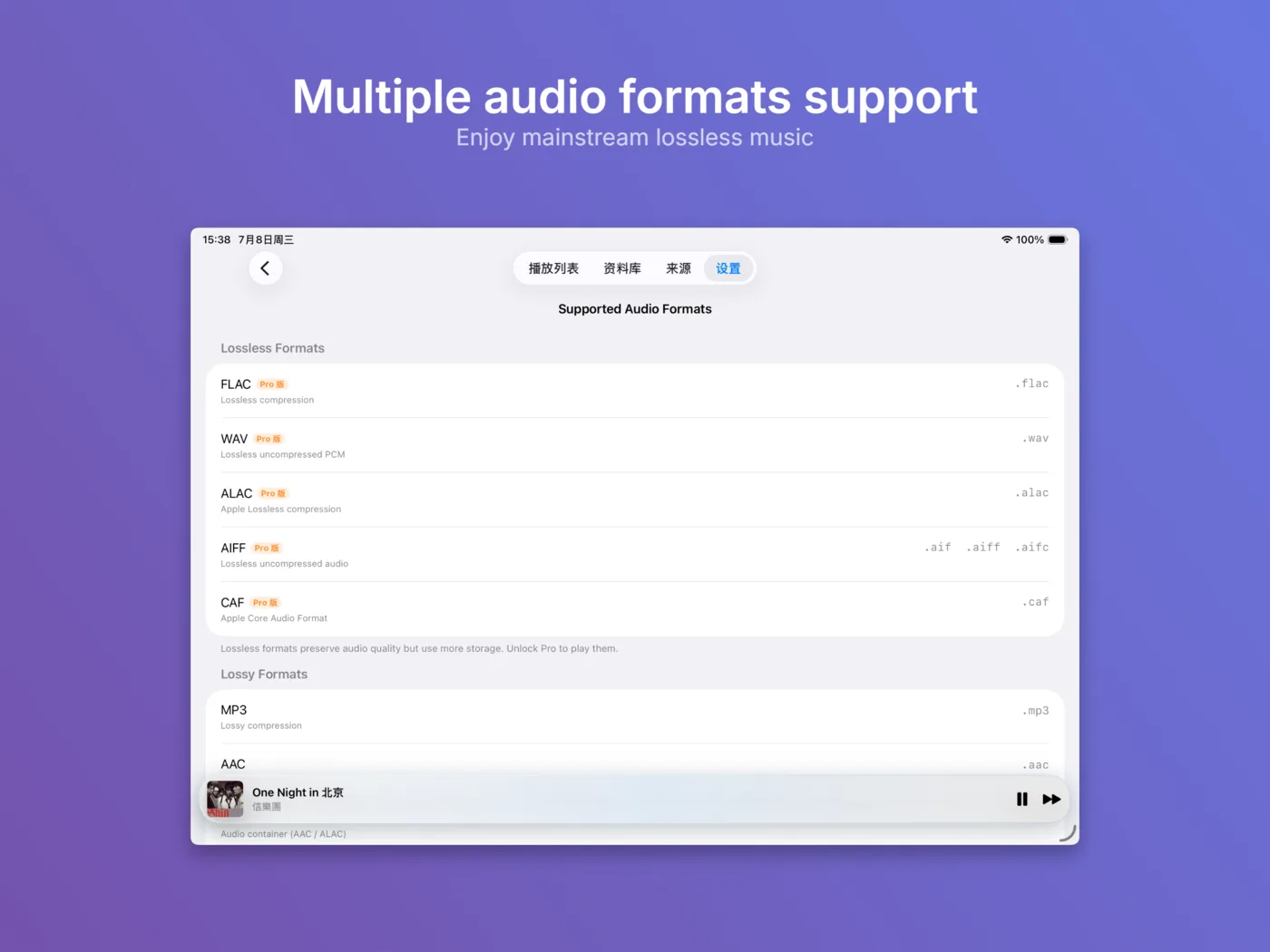
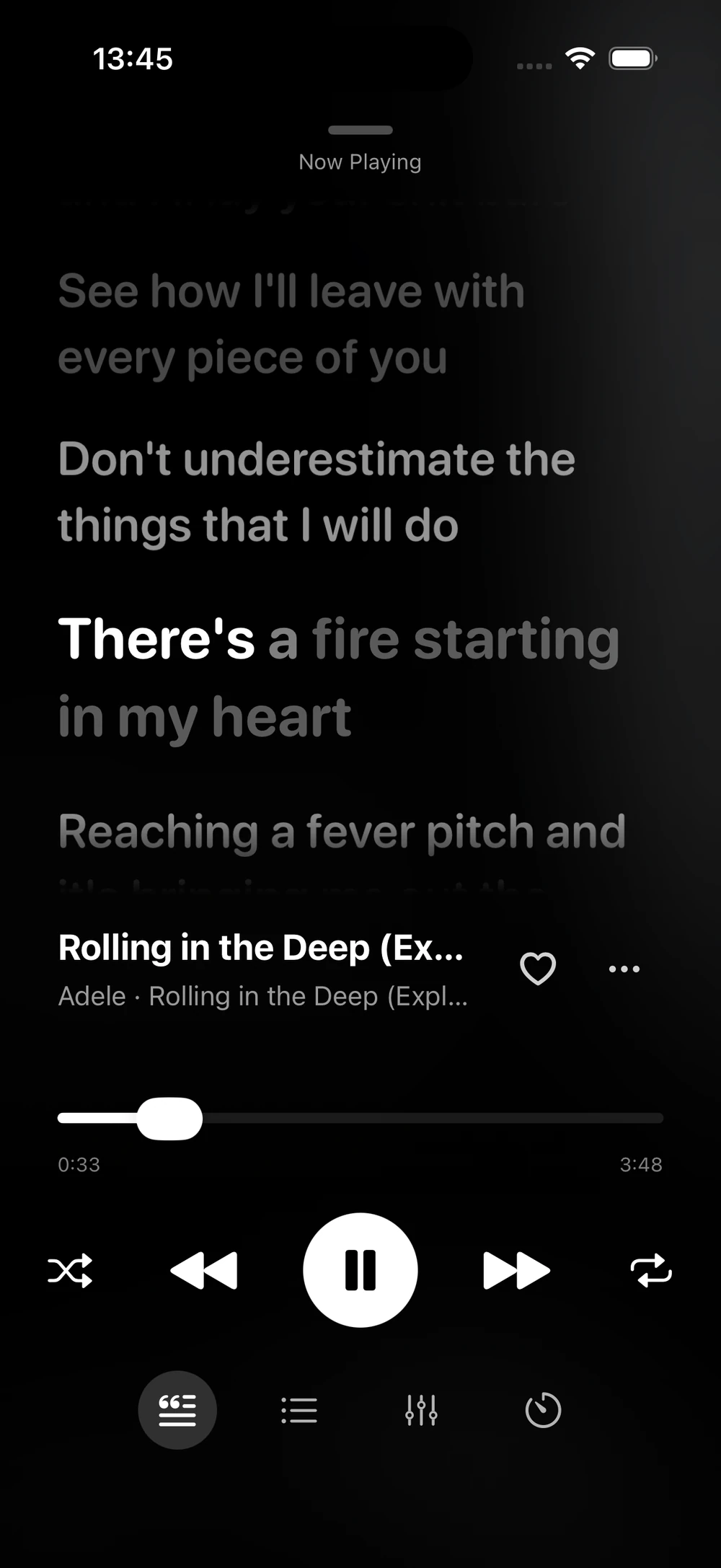
Index songs, artists, albums, genres, favorites, lyrics, artwork, playlists and download state inside the app sandbox.
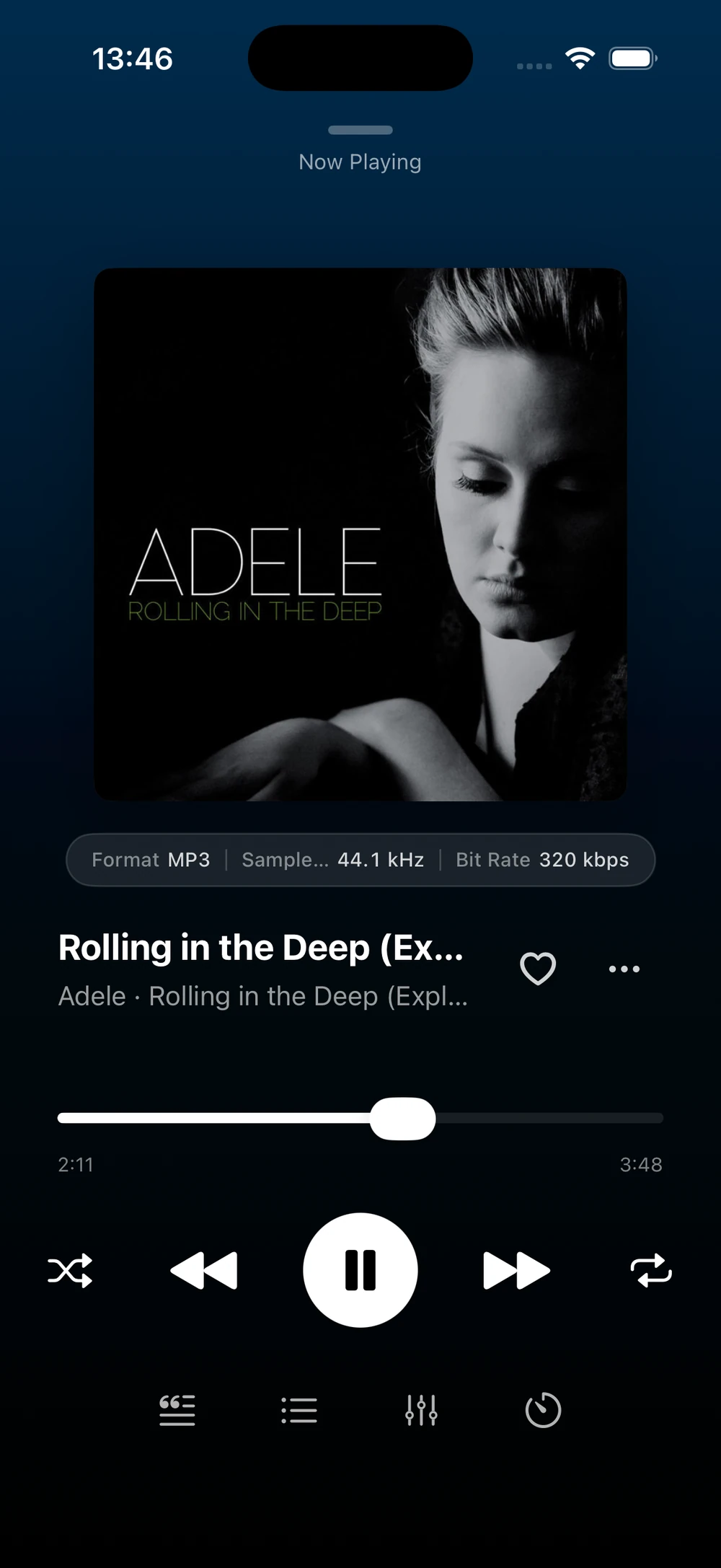
Stream from your selected source or cache/download tracks on the device for playback when a network is unavailable.
NetMusic does not provide a music catalog, public sharing service, advertising system, analytics SDK or developer-operated storage relay.
Privacy and storage access
NetMusic does not create a NetMusic account. Third-party sign-ins are used only when you choose to connect an external storage provider so the app can browse and play files in that account.
For Google Drive, the app requests https://www.googleapis.com/auth/drive.readonly, openid, profile and email. For OneDrive, it requests offline_access, Files.Read and User.Read. For Baidu Netdisk, it uses the provider's basic and netdisk scopes.
Credentials and tokens are kept locally, sensitive credentials are stored with iOS Keychain where used, and library indexes, cache, downloads, playback queue, lyrics and artwork remain on the device unless you intentionally communicate with a connected storage service or local network server.
NetMusic does not sell personal data, track users across apps or websites, run ads, broker data, or send your library, playback history, files or storage credentials to the developer.